How to import a KMZ waypoint mission into DJI Fly
DJI Fly has no “import” button for waypoint files. The usual method is to create a placeholder mission in DJI Fly and replace its file with the KMZ you downloaded from SmartWaypoints.
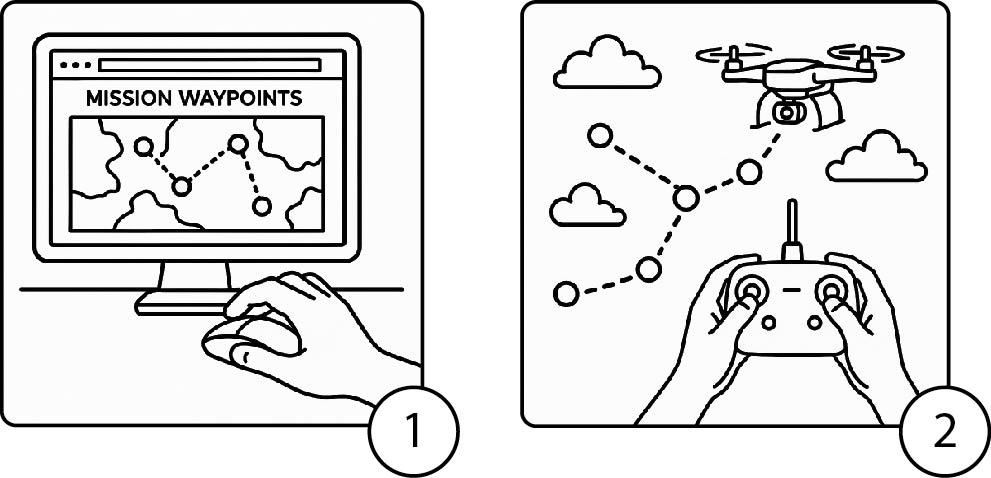
Before you start
- A DJI drone with waypoints in DJI Fly (Mini 5 Pro, Mini 4 Pro, Air 3, Air 3S, Mavic 3 series, Mavic 4 Pro, Lito X1).
- A controller whose files you can reach: a DJI RC / RC 2 screen controller, or an Android phone. With an iPhone, the DJI Fly folders are not accessible from a computer.
- A USB cable, and the KMZ file downloaded from SmartWaypoints.
Step 1 — Create a placeholder mission in DJI Fly
Turn on the drone and the controller, open DJI Fly, enter the waypoint mode, place two or three points anywhere and save the mission. DJI Fly creates a folder for it. Note the time: you will look for the most recent folder.
Step 2 — Open the waypoint folder
Connect the controller (or the phone) to the computer with the USB cable and open its storage. Go to:
Android/data/dji.go.v5/files/waypoint/
Each mission has a folder with a long identifier as its name, containing a .kmz file with the same identifier. Open the most recent one.
Step 3 — Replace the file
- Copy the identifier of the existing file (its name without
.kmz). - Rename your SmartWaypoints KMZ to exactly that name.
- Copy it into the folder and accept to replace the existing file.
If you created several KMZ files (several batteries or several drones), repeat with one placeholder mission per file.
Step 4 — Check and fly
Close DJI Fly completely and reopen it. Open the mission: the waypoints from SmartWaypoints appear on the map. Check the path, heights and actions, then start the mission.
Frequently asked questions
Why does DJI Fly not show my mission?
The file must have exactly the same name as the one it replaces, and DJI Fly must be fully closed and reopened. Also check that you copied it into the most recent mission folder.
Can I import a KMZ on iPhone?
Not directly: iOS does not give access to the DJI Fly folders from a computer. Use a DJI RC / RC 2 controller or an Android phone.
Is the KMZ file from SmartWaypoints compatible with DJI Fly?
Yes, SmartWaypoints exports the KMZ waypoint format that DJI Fly reads, for the supported drones.